
Registration Guide
Select your role and follow the step-by-step guide to register for the olympiad.
1
Registration in FTL Online system (Participant)
2
Filling out the form
3
Registration confirmation
4
Sign in to KIPhO system
5
Create password for FTL Online system
6
Update personal data
7
Upload documents
8
Event registration
9
Enter leader ID and select league
10
Upload event documents
11
Verification
12
Selection
1
Registration in FTL Online system (Participant)
2
Filling out the form
3
Registration confirmation
4
Sign in to KIPhO system
5
Create password for FTL Online system
6
Update personal data
7
Upload documents
8
Event registration
9
Enter leader ID and select league
10
Upload event documents
11
Verification
12
Selection
Registration in FTL Online system (Participant)
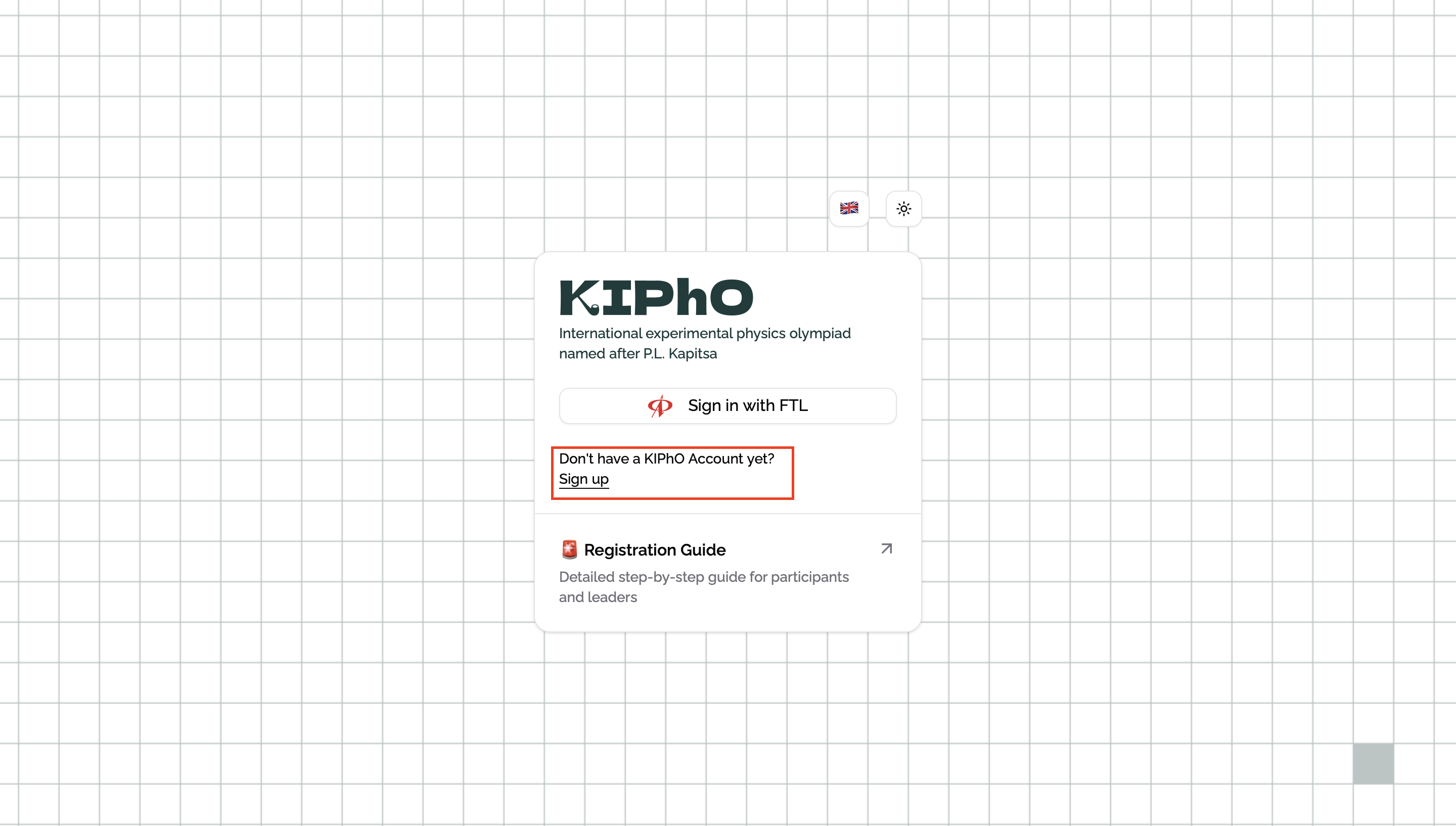
Go to the login page kipho.ru/sign-in. If you don't have an account in the FTL Online system, register using the "Sign up" link. For those who are already registered in FTL Online, can proceed to step #4
1 / 12